
1. Log in to Sellforte and navigate to Connectors
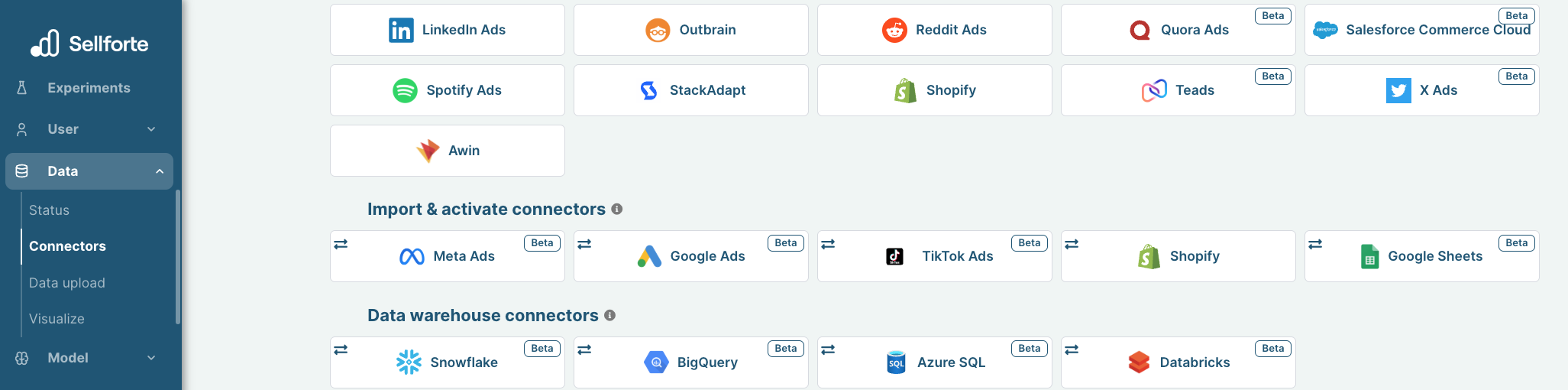
- In the left-side navigation pane, select Connectors under Data.
- From the Import & activate connectors list, click the card for the relevant connector to start the connection.
2. Authorize with Facebook and run through the guided steps
Giving access don't share your credentials or any other sensitive information. You will just allow Sellforte to fetch data from the source.
3. Choose the accounts you want to sync data from
Wait until you are prompted with setup view.
Once setup view is prompted for you, you can choose the accounts you want to sync data from.
You don't need to modify any other settings.
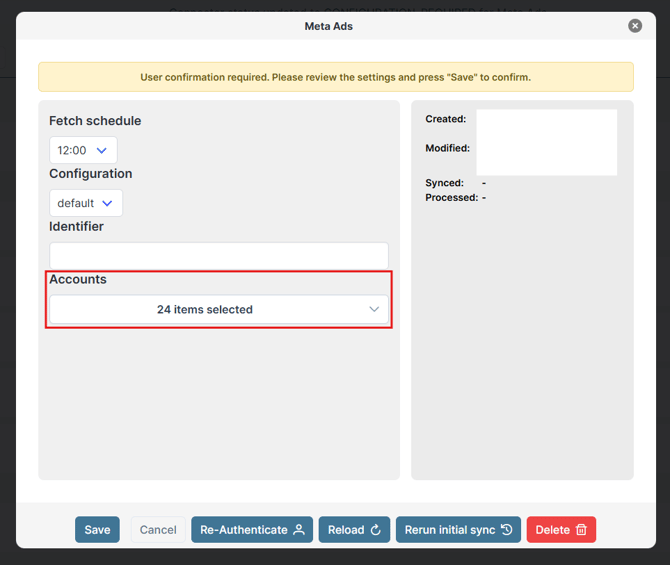
4. Click Save and you are forwarded back to Sellforte
Connector becomes visible with the Historical data sync text. Now data will flow into Sellforte, that's all from your side.

You are ready! 🎉
Meta Ads is connected and data is fetched automatically with correct schema to Sellforte.