
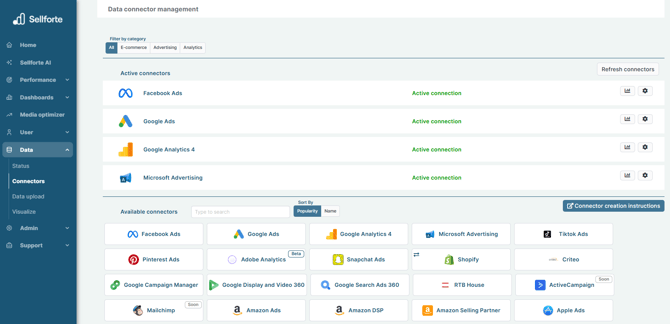
1. Log in to Sellforte and navigate to Connectors
- In the left-side navigation pane, select Connectors under Data.
-
From the Available connectors list, click the card for the relevant connector to start the connection.
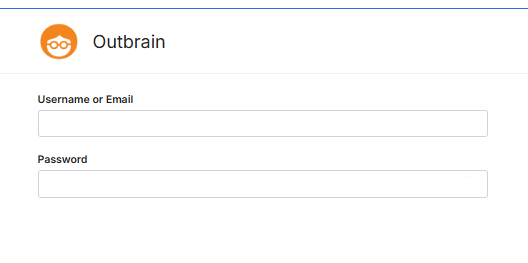
2. Enter your Outbrain username and password
5. Click Save & Test and you are forwarded back to Sellforte
You are ready! 🎉
Outbrain is connected and data is fetched automatically with correct schema to Sellforte.