Users can export Sellforte AI outputs in several ways.
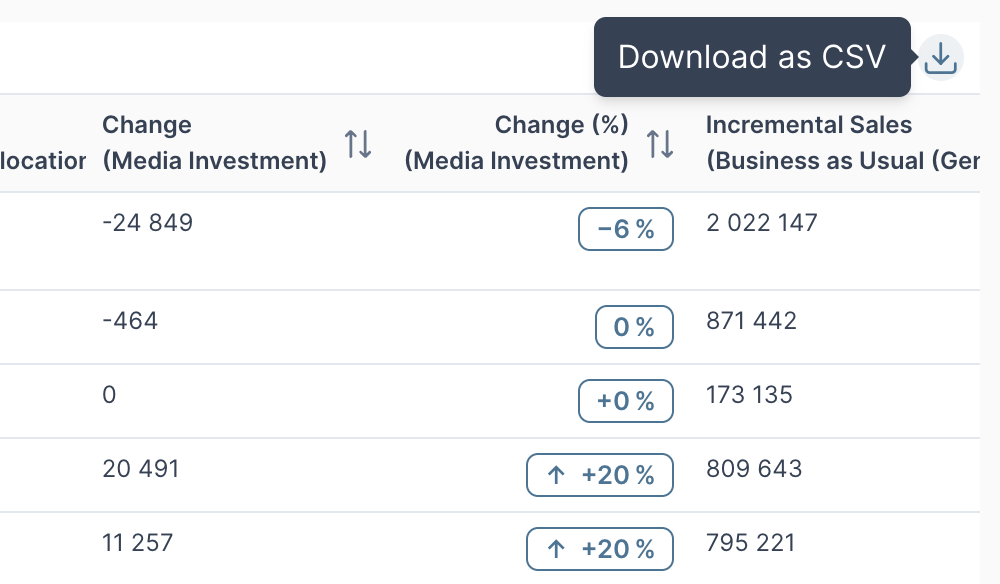
1) Export a table as CSV
To export table as a CSV, press the download button in the upper right corner of a table.
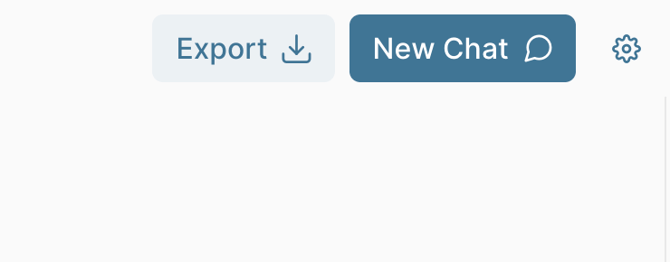
2) Export whole conversation as a PNG
To export whole conversation as a png, press the "Export"-button next to the "New Chat"-button.
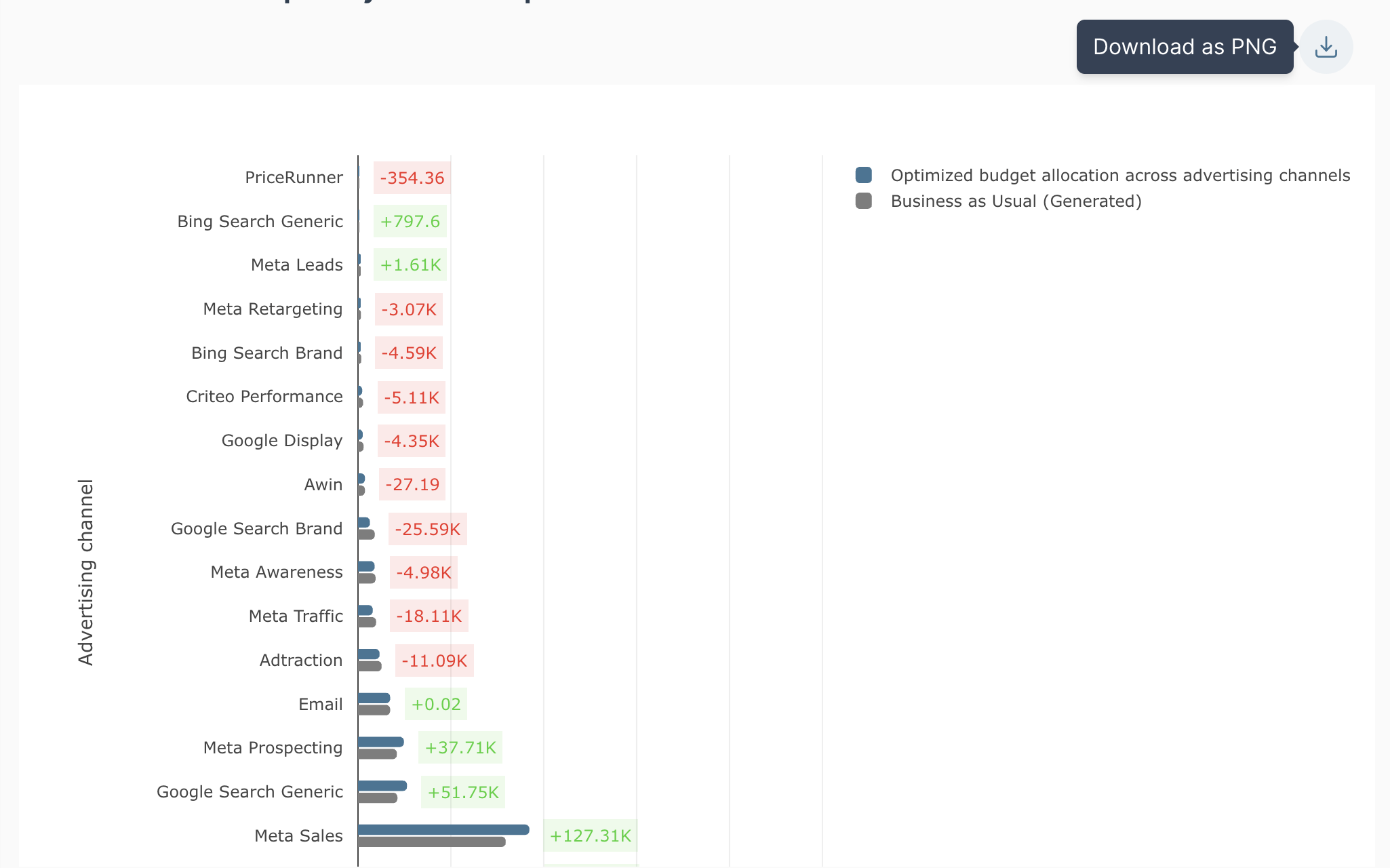
3) Export a chart as a PNG
To export a chart as a png, press the downloadn-button next to the "New Chat"-button in the upper right corner of a table.