
1. Log in to Sellforte and navigate to Connectors

2. Choose Amazon Ads

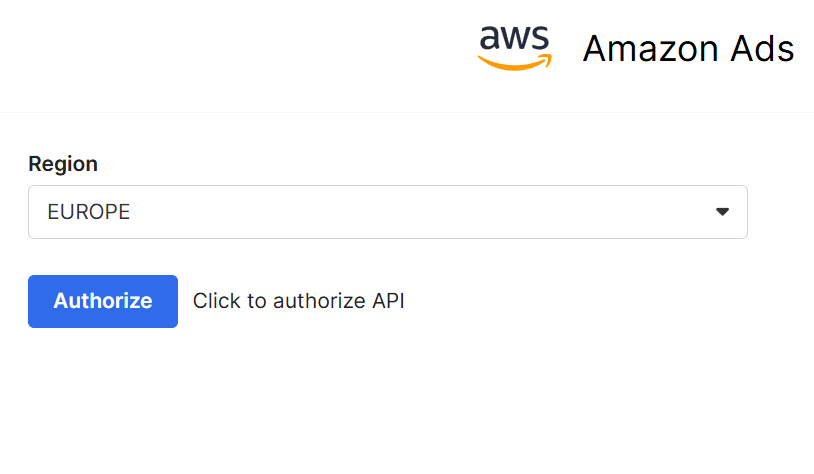
3. Choose your region
Choose your region between NORTH_AMERICA, EUROPE and FAR_EAST. Then click "Authorize".
4. Authorize with Amazon
In Amazon's Ads authorization page, click Sign-In. To grant access to the Amazon application, select Allow. This will redirect you back to the connector setup form.
Giving access don't share your credentials or any other sensitive information. You will just allow Sellforte to fetch data from the source.
5. Choose the accounts you want to sync data from
Click "Sync Specific Accounts" and choose accounts accordingly. Select the Click Attribution window size.
6. Click Save & Test and you are forwarded back to Sellforte

You are ready! 🎉
Amazon Ads is connected and data is fetched automatically with correct MMM schema to Sellforte.